
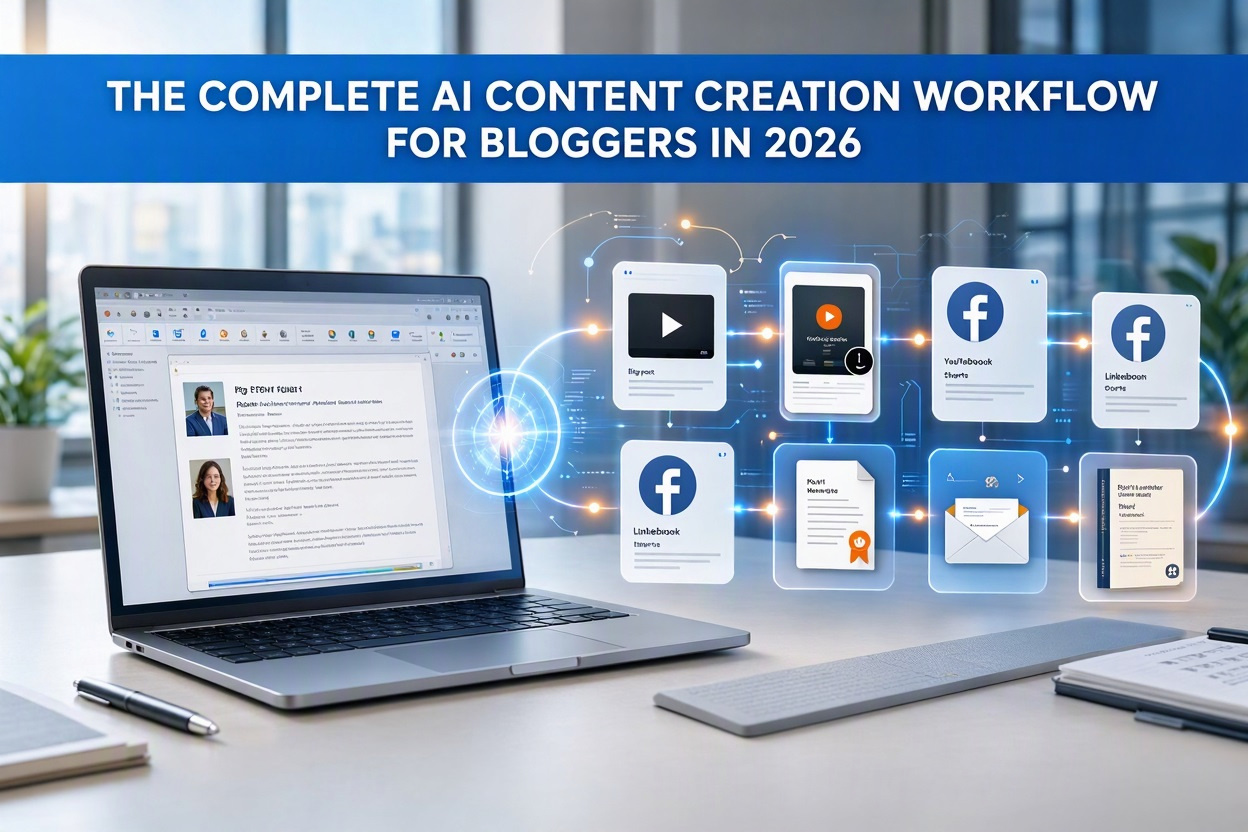
How I use AI to research, create, repurpose, publish, and promote content across blogs, video platforms, social media, and Amazon KDP.
AI Has Changed the Way Bloggers Create Content
Creating content used to require multiple tools, freelancers, and a considerable amount of time.
Today, AI allows bloggers and content creators to move significantly faster.
The challenge isn’t finding another AI tool.
The challenge is building a workflow.
Over the past year I’ve tested numerous AI content tools, publishing systems, video generators, and content repurposing platforms. Through that process I developed a workflow that helps me turn a single content idea into blog posts, videos, social content, lead magnets, and even published books.
This guide explains the process.
My Recommended AI Content Creation Tools
These are the primary tools I currently use or recommend.
AI Video Creation
Synthesia helps create AI avatar videos for tutorials, training, and presentations.
Pictory converts blog posts and scripts into videos.
➡️ Try Pictory
InVideo AI generates videos using prompts and written content.
Website Hosting
Bluehost remains one of the easiest hosting platforms for beginners.
HostGator is another affordable hosting option for bloggers.
Step 1: Research Content Opportunities
Every successful article begins with research.
I focus on:
- Questions people frequently ask
- Software comparisons
- Affiliate marketing opportunities
- AI content creation tools
- Real-world experiments and case studies
The best-performing content often comes from things I’ve actually tested and documented.
Step 2: Build Topic Clusters
Rather than publishing random content, I organize articles into topic clusters.
Examples include:
- AI Content Creation
- Affiliate Marketing
- AI Video Creation
- Content Repurposing
This helps both readers and search engines understand how topics connect.
Step 3: Create the Core Article
Every workflow starts with a foundation article.
That article should:
- Solve a specific problem
- Share useful information
- Include real-world examples
- Provide actionable steps
Think of the article as the source asset for everything that follows.
Step 4: Create Visual Assets
Every article should include visuals.
Examples:
- Featured images
- Blog graphics
- Social media graphics
- Pinterest images
- Video thumbnails
Strong visuals increase engagement and improve click-through rates.
Step 5: Turn Articles Into Videos
This is where content multiplication begins.
One article can quickly become:
- A YouTube video
- Several Shorts
- Facebook videos
- Instagram reels
- TikTok content
Useful resources:
📖 How to Turn Blog Posts Into Videos Using AI
📖 Best AI Video Generators for Beginners
Step 6: Repurpose Across Multiple Platforms
Most creators stop after publishing a blog post.
I prefer turning that content into multiple assets.
Examples include:
- Facebook posts
- LinkedIn posts
- X posts
- Instagram content
- YouTube Shorts
Learn more:
📖 How to Repurpose Content Across YouTube, TikTok, Facebook, and Instagram
Step 7: Create Lead Magnets
One of the fastest ways to grow an email list is by offering useful downloadable resources.
Examples:
- PDFs
- Checklists
- Resource guides
- Mini ebooks
I created a free resource called:
The Content Multiplier Method
Step 8: Build a Content Multiplication System
A single piece of content should generate multiple assets.
Example:
Plain Text
1 Blog Post
↓
1 Featured Image
↓
1 Lead Magnet
↓
1 YouTube Video
↓
3 YouTube Shorts
↓
5 Social Posts
↓
1 Email Newsletter
Additional resources:
📖 How to Build a Content Multiplication System
📖 One Blog Post, 50 Content Assets
📖 How I Turn One Blog Post Into Multiple Assets
Step 9: Expand Into New Formats
AI can also help creators expand beyond blogging.
Recently I used AI tools to create and publish two coloring books on Amazon KDP.
Read the full case study:
📖 How I Published Two AI Coloring Books on Amazon KDP
The experience confirmed something important:
AI does not replace creators.
It helps creators move faster.
How I use AI to research, create, repurpose, publish, and promote content across blogs, video platforms, social media, and Amazon KDP.
AI Has Changed the Way Bloggers Create Content
Creating content used to require multiple tools, freelancers, and a considerable amount of time.
Today, AI allows bloggers and content creators to move significantly faster.
The challenge isn’t finding another AI tool.
The challenge is building a workflow.
Over the past year I’ve tested numerous AI content tools, publishing systems, video generators, and content repurposing platforms. Through that process I developed a workflow that helps me turn a single content idea into blog posts, videos, social content, lead magnets, and even published books.
This guide explains the process.
My Recommended AI Content Creation Tools
These are the primary tools I currently use or recommend.
AI Video Creation
Synthesia helps create AI avatar videos for tutorials, training, and presentations.
Pictory converts blog posts and scripts into videos.
➡️ Try Pictory
InVideo AI generates videos using prompts and written content.
Website Hosting
Bluehost remains one of the easiest hosting platforms for beginners.
HostGator is another affordable hosting option for bloggers.
Step 1: Research Content Opportunities
Every successful article begins with research.
I focus on:
- Questions people frequently ask
- Software comparisons
- Affiliate marketing opportunities
- AI content creation tools
- Real-world experiments and case studies
The best-performing content often comes from things I’ve actually tested and documented.
Step 2: Build Topic Clusters
Rather than publishing random content, I organize articles into topic clusters.
Examples include:
- AI Content Creation
- Affiliate Marketing
- AI Video Creation
- Content Repurposing
This helps both readers and search engines understand how topics connect.
Step 3: Create the Core Article
Every workflow starts with a foundation article.
That article should:
- Solve a specific problem
- Share useful information
- Include real-world examples
- Provide actionable steps
Think of the article as the source asset for everything that follows.
Step 4: Create Visual Assets
Every article should include visuals.
Examples:
- Featured images
- Blog graphics
- Social media graphics
- Pinterest images
- Video thumbnails
Strong visuals increase engagement and improve click-through rates.
Step 5: Turn Articles Into Videos
This is where content multiplication begins.
One article can quickly become:
- A YouTube video
- Several Shorts
- Facebook videos
- Instagram reels
- TikTok content
Useful resources:
📖 How to Turn Blog Posts Into Videos Using AI
📖 Best AI Video Generators for Beginners
Step 6: Repurpose Across Multiple Platforms
Most creators stop after publishing a blog post.
I prefer turning that content into multiple assets.
Examples include:
- Facebook posts
- LinkedIn posts
- X posts
- Instagram content
- YouTube Shorts
Learn more:
📖 How to Repurpose Content Across YouTube, TikTok, Facebook, and Instagram
Step 7: Create Lead Magnets
One of the fastest ways to grow an email list is by offering useful downloadable resources.
Examples:
- PDFs
- Checklists
- Resource guides
- Mini ebooks
I created a free resource called:
The Content Multiplier Method
Step 8: Build a Content Multiplication System
A single piece of content should generate multiple assets.
Example:
Plain Text
1 Blog Post
↓
1 Featured Image
↓
1 Lead Magnet
↓
1 YouTube Video
↓
3 YouTube Shorts
↓
5 Social Posts
↓
1 Email Newsletter
Additional resources:
📖 How to Build a Content Multiplication System
📖 One Blog Post, 50 Content Assets
📖 How I Turn One Blog Post Into Multiple Assets
Step 9: Expand Into New Formats
AI can also help creators expand beyond blogging.
Recently I used AI tools to create and publish two coloring books on Amazon KDP.
Read the full case study:
📖 How I Published Two AI Coloring Books on Amazon KDP
The experience confirmed something important:
AI does not replace creators.
It helps creators move faster.
Related Articles
AI Tools for Bloggers and Content Creators
AI Video Creation Guides
Content Repurposing & Content Multiplication
AI Publishing Case Studies
Affiliate Marketing & Website Growth
Free Resource
Final Thoughts
The biggest opportunity in 2026 isn’t using more AI tools.
It’s building systems.
A well-designed workflow can transform a single idea into articles, videos, lead magnets, social posts, and even published books.
That’s where AI becomes more than a tool.
It becomes a force multiplier.