How I Create Videos Without Spending Hours Editing
Disclosure: This article contains affiliate links. If you purchase through these links, I may earn a commission at no additional cost to you.
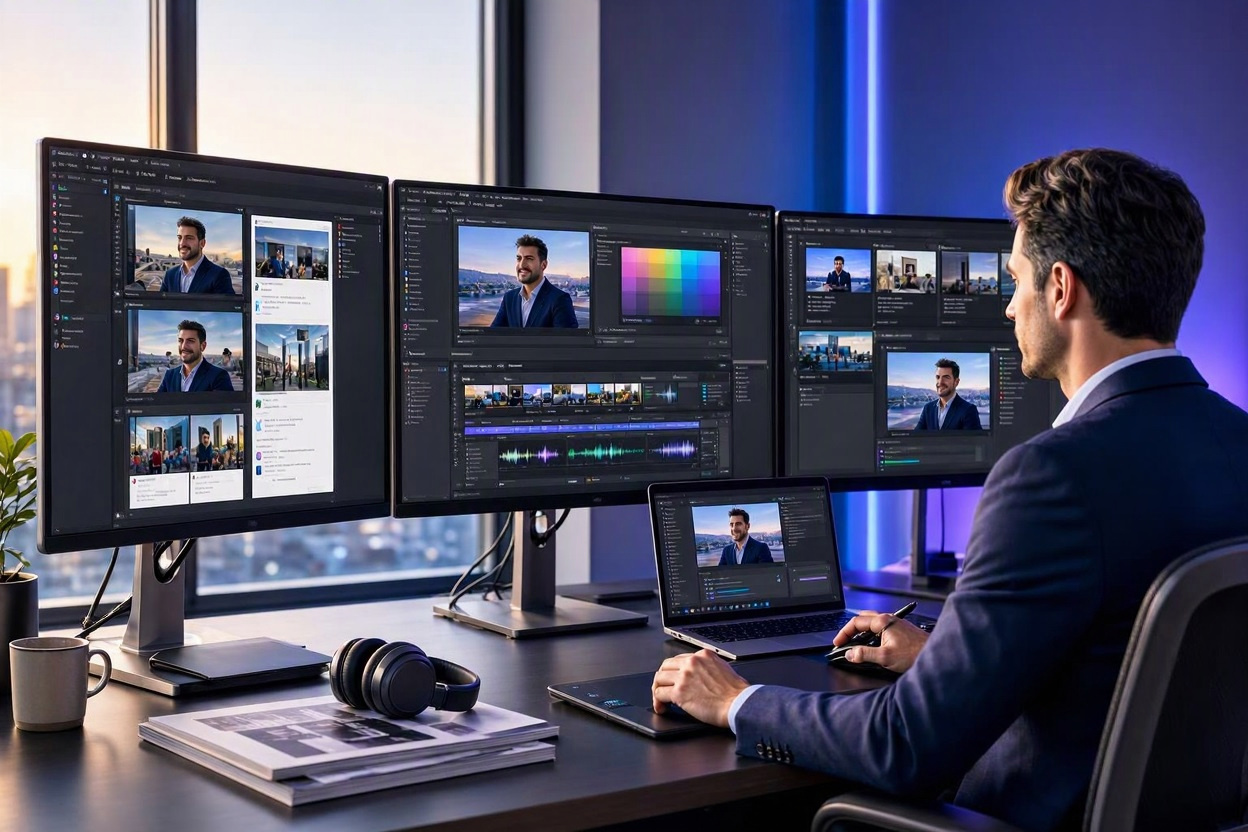
Editing used to be the reason most of my videos never got made. I would record something, open the editing timeline, and lose the whole evening to cutting pauses, fixing audio, adding captions, and second-guessing every transition. By the time the video was done, I was too tired to make the next one.
So I changed the process. These days I can take an idea from a blog post to a finished video without spending hours editing, and the video is usually better for it — because the quality comes from the script and the structure, not from how long I sat in an editor.
This is the workflow I actually use. It works for the short videos I make for my coloring books, for explainers, and for turning a blog post into a video version of itself. If editing is the bottleneck in your content, steal the whole thing.
The rule that makes it work: script first, edit never
The biggest time saver has nothing to do with software. It is this: I never start a video by opening an editor. I start with a script.
Most of the time that script already exists, because it starts life as a blog post. I wrote about this in My AI Content Creation Workflow in 2026 — one piece of research, one draft, then two formats. The video is made from the article, not instead of it.
When there is no article yet, I write the script the same way I would write a short post: a hook in the first line, three or four points in the middle, and a clear ending. Short sentences. Words I would actually say out loud. I read it back once, out loud, and cut anything that sounds like a textbook. If the script is tight, the video almost edits itself. If the script is loose, no amount of editing will save it.
I use ChatGPT to help tighten the script — to spot a section that repeats itself, or to suggest a stronger opening line. It is an editor here, not a ghostwriter. The ideas and the wording are mine; the AI just helps me see where the draft is weak.
Step 1: Turn the script into a video with Pictory
For a standard video version of a post, I use Pictory. I paste in the article or the short script, and it turns it into a video with stock footage, captions, and pacing I can adjust.
This is the step that replaced the editing timeline for me. There is no cutting clips by hand, no hunting for b-roll, no syncing audio to picture. The tool does the assembly, and I adjust the result: swap a clip that does not fit, shorten a scene that drags, fix a caption. That takes minutes, not hours.
It works best when the script is written in short, visual chunks. One idea per scene. If a paragraph covers three ideas, split it — the video will be clearer, and so will the article it came from. I have written a full Pictory review if you want the details on what it does well and where it has limits.
One habit that saves me time here: I decide the video’s length before I start. A short video gets a short script — around 70 words of dialogue lands at about 30 seconds when it is read aloud, which I learned the hard way when a longer script came back as a 43-second video. Writing to a length is faster than cutting a video down afterward.
Step 2: Add a presenter without recording myself
Some videos need a person on screen. I do not always want that person to be me, standing in front of a camera, doing retakes.
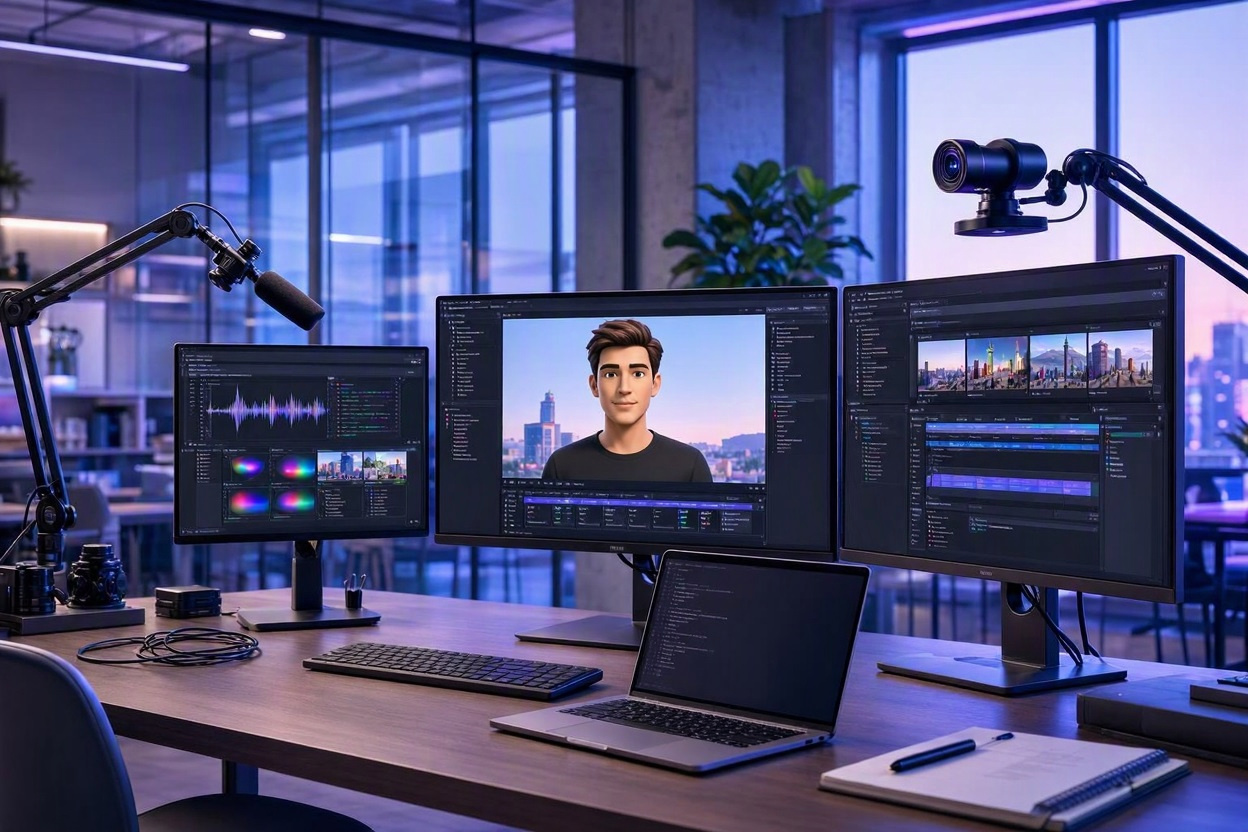
For those, I use Synthesia. It creates an AI presenter who reads the script. That works well for explainers and reviews, where the point is the information, not my face. I paste in the script, pick a presenter, and get a finished video back. No camera setup, no lighting, no retakes because I stumbled over a word. My Synthesia review covers what it is good at and where it is not.
For videos where I want an avatar with more personality — the talking-dog videos I make for my coloring books, for example — I use HeyGen. Same idea, different flavor: a presenter on screen, scripted, no camera setup, no retakes. The Buddy videos I post for my Golden Retriever coloring books are made this way, and they are the ones that get the most personality across in the shortest time.
The point is not which tool you pick. The point is that recording yourself is optional now. If the camera is what slows you down, take it out of the process.
Step 3: Clean it up in VEED, fast
Once the video exists, it usually needs a small cleanup, not a big edit. Captions that need fixing, a clip that needs trimming, a section that needs tightening. For that I use VEED — editing, captions, and cleaning up video clips before they go out. My VEED review covers what it does well.
I keep this step short on purpose. I fix what is wrong and I stop. The temptation with any editor is to keep polishing: one more transition, one more color tweak, one more pass through the captions. That is where the hours go. My rule is that the cleanup pass gets one run-through. If I would not notice the flaw as a viewer, I leave it alone.
Captions are the one thing I always check, because most people watch short videos with the sound off. If the captions are wrong, the video is wrong, even if the picture is perfect.
Step 4: Batch the boring parts
The workflow above makes one video fast. Batching makes five videos fast.
When I am making a set of videos — three for one coloring book, for example — I do each step for all of them before moving on. All three scripts first. Then all three video builds. Then all three cleanups. Switching between writing, building, and editing for every single video is slower than doing one kind of work at a time.
I also reuse what works. The opening style, the caption format, the way the video ends — once I have a format that works, I keep it. My three video formats for the coloring books (POV, Buddy Complaint, Breaking News) are the same idea: a repeatable shape, so I am never starting from a blank page. A new video is a new script inside a format I already know, not a new production every time.
Templates are the same principle inside the tools. If Pictory or VEED lets you save a style, save it. The tenth video should be faster than the first, not the same speed.
What I stopped doing
A workflow is also a list of things you no longer do. Here is mine:
- I do not edit raw footage by hand anymore. If a video needs that much manual cutting, the script was the problem, not the edit.
- I do not record ten takes. An AI presenter does not stumble, and a script read aloud once is enough to know if it works.
- I do not add effects for their own sake. A transition should help the viewer follow the idea. If it is just decoration, it costs time and adds nothing.
- I do not make the video and the article separately. One draft, two formats. Making them separately is how a post never becomes a video at all.
The checklist I run before a video goes out
This takes five minutes and it catches almost everything:
- The hook is in the first three seconds, in words on the screen.
- The captions are correct.
- The video is the length I planned — short means short.
- The book, product, or link at the end is actually in the video, not just in the description.
- The title and the video agree with each other. If the title promises one thing and the video delivers another, viewers leave.
If you are comparing the video tools I mention here, I put together a roundup of the best AI video generators — it covers the ones I use and how they differ. And if you want the bigger version of this idea — how one piece of content becomes a whole system — I wrote a free ebook about it called The Content Multiplier Method. You can get it on the landing page here.
The whole thing, in one paragraph
Write a tight script first, ideally from an article you already have. Turn it into a video with Pictory, add a presenter with Synthesia or HeyGen when the video needs a face, clean it up once in VEED, and stop polishing. Batch the same steps across a set of videos, reuse the format that works, and check the captions before anything goes out. Editing stops being the bottleneck the moment the script does the heavy lifting — and the videos get made, instead of sitting in a timeline waiting for a free evening that never comes.